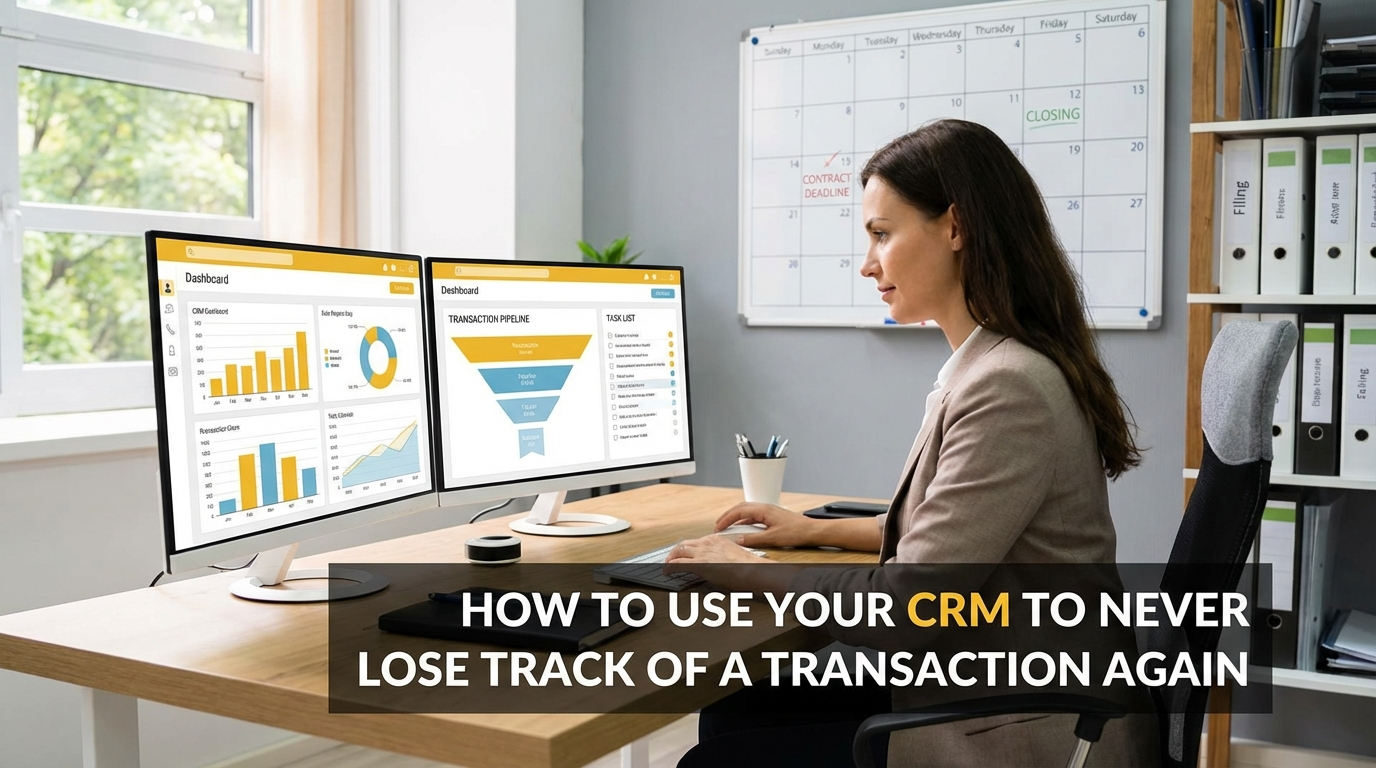
How to Use Your CRM to Never Lose Track of a Transaction Again

David
Author
I learned this lesson the hard way three years ago when I nearly lost a $450,000 deal because I forgot to follow up on a roof inspection deadline. The buyer was ready to walk, the seller was furious, and I spent two sleepless nights scrambling to save the transaction. That experience taught me something crucial: most agents are using their real estate CRM for only half of what it's capable of.
While everyone talks about using CRMs for lead generation and nurturing prospects, the real magic happens after you get that signed purchase agreement. Your CRM can become the command center that ensures every transaction closes smoothly, on time, and with happy clients who can't wait to refer their friends.
The statistics tell the story. According to the National Association of Realtors, 66% of sellers use an agent they were referred to. That means every closing is either building your referral pipeline or potentially damaging it. When transactions fall apart due to missed deadlines or poor communication, you're not just losing one deal – you're losing all the future business that client could have brought you.
Why Most Agents Drop the Ball After Contract
The problem isn't that agents don't care about their transactions. It's that most of us try to juggle 15-30 moving parts per deal using memory, sticky notes, or basic calendars. Between coordinating with lenders, title companies, inspectors, appraisers, and keeping buyers and sellers informed, something inevitably slips through the cracks.
I've watched talented agents lose deals because they forgot to order the survey, missed a lender's document deadline, or failed to communicate an inspection issue to their client promptly. These aren't bad agents – they're just using outdated systems for increasingly complex transactions.
Transform Your CRM Into a Transaction Hub
The solution starts with rethinking your CRM pipeline stages. Most agents set up basic stages like "Lead," "Showing," and "Under Contract." But your real estate CRM should mirror every step of the contract-to-close process.
Here's the pipeline structure that's saved me countless headaches:
- Contract Executed – Deal is signed and initial timeline is set
- Loan Application – Buyer has submitted financing paperwork
- Inspection Period – Property inspections are scheduled/completed
- Appraisal Ordered – Lender has ordered the appraisal
- Loan Approval – Underwriting is complete
- Final Walk-Through – Pre-closing inspection scheduled
- Clear to Close – All conditions met, closing scheduled
- Closed – Keys transferred, commission received
Each stage should automatically trigger specific tasks and reminders. When a deal moves to "Inspection Period," your CRM should create tasks to schedule inspections, follow up on results, and communicate findings to all parties.
Automate Communication Before Problems Arise
One of the most powerful features of a modern real estate CRM is automated communication. Instead of scrambling to update clients when issues arise, you can set up proactive messaging that keeps everyone informed throughout the process.
I've created email templates that automatically send based on pipeline movement. When a deal hits "Appraisal Ordered," my buyers receive an email explaining the process, typical timeline, and what to expect. When we reach "Loan Approval," sellers get an update with the new closing timeline and next steps.
These automated messages don't replace personal communication, but they ensure baseline information reaches everyone consistently. Clients feel more confident when they understand what's happening, and you spend less time answering the same questions repeatedly.
Master the Art of CRM Notes
Every phone call with a lender, every email from the title company, every conversation with an inspector – it all needs to be documented in your CRM. Not in a separate notebook or random text file, but directly attached to the transaction record.
I use a simple format for logging communications:
Date | Contact | Summary | Action Items
For example: "11/15/24 | First National Lending - Sarah | Appraisal came in $5K low, discussing options with underwriter | Follow up Friday on potential solutions, notify sellers of delay."
This documentation serves multiple purposes. It helps you remember important details weeks later, provides context if team members need to step in, and creates a paper trail if disputes arise. More importantly, detailed notes help you spot patterns that can improve future transactions.
Create Bulletproof Task Lists
Your CRM should contain task templates for common transaction types. When I list a property, my system automatically creates 23 specific tasks with deadlines: order photos, create marketing materials, schedule showings, prepare disclosure documents, and so on.
The same applies to purchase transactions. My "buyer under contract" template generates tasks for loan application follow-up, inspection scheduling, appraisal coordination, final walk-through planning, and closing preparation. Each task has a specific deadline based on contract dates.
The beauty of this system is that you can't forget anything. Your CRM becomes your virtual transaction coordinator, ensuring every deadline is met and every detail is handled professionally.
Monitor Your Transaction Health
An AI powered CRM can take transaction management even further by analyzing patterns and predicting potential problems. Some systems can flag transactions that are falling behind schedule, identify communication gaps, or alert you to missing documents before they become urgent issues.
I review my transaction dashboard every Monday morning. It shows me exactly where each deal stands, what tasks are due this week, and which transactions need immediate attention. This 15-minute weekly review prevents small issues from becoming deal-killing emergencies.
The Referral Connection
Here's what most agents miss: smooth transactions create raving fans. When clients feel informed and confident throughout the process, they become your best marketing team. They tell their friends about how professional and organized you were, how you prevented problems before they happened, and how stress-free their closing experience was.
On the flip side, chaotic transactions create negative word-of-mouth that can haunt you for years. In our referral-driven industry, your transaction management system directly impacts your future income potential.
Get Started Today
The transformation from sticky-note chaos to systematic transaction management doesn't happen overnight, but the impact is immediate. Start by documenting your current process, then look for opportunities to systematize and automate routine communications.
If you're ready to stop dropping balls and start building a referral-generating machine, consider trying Territory Titan's comprehensive real estate CRM platform. With custom pipelines, automated workflows, and AI-powered insights, you can transform how you manage transactions from contract to close.
The tools exist to never lose track of a transaction again. The question is: are you ready to use them?